Connection problems
Start PubSub (pubsub_start) succeeds only after the TCP connection, CONNECT and CONNACK and, for a subscribing role, SUBSCRIBE and SUBACK all complete.
The error message tells you which stage failed.
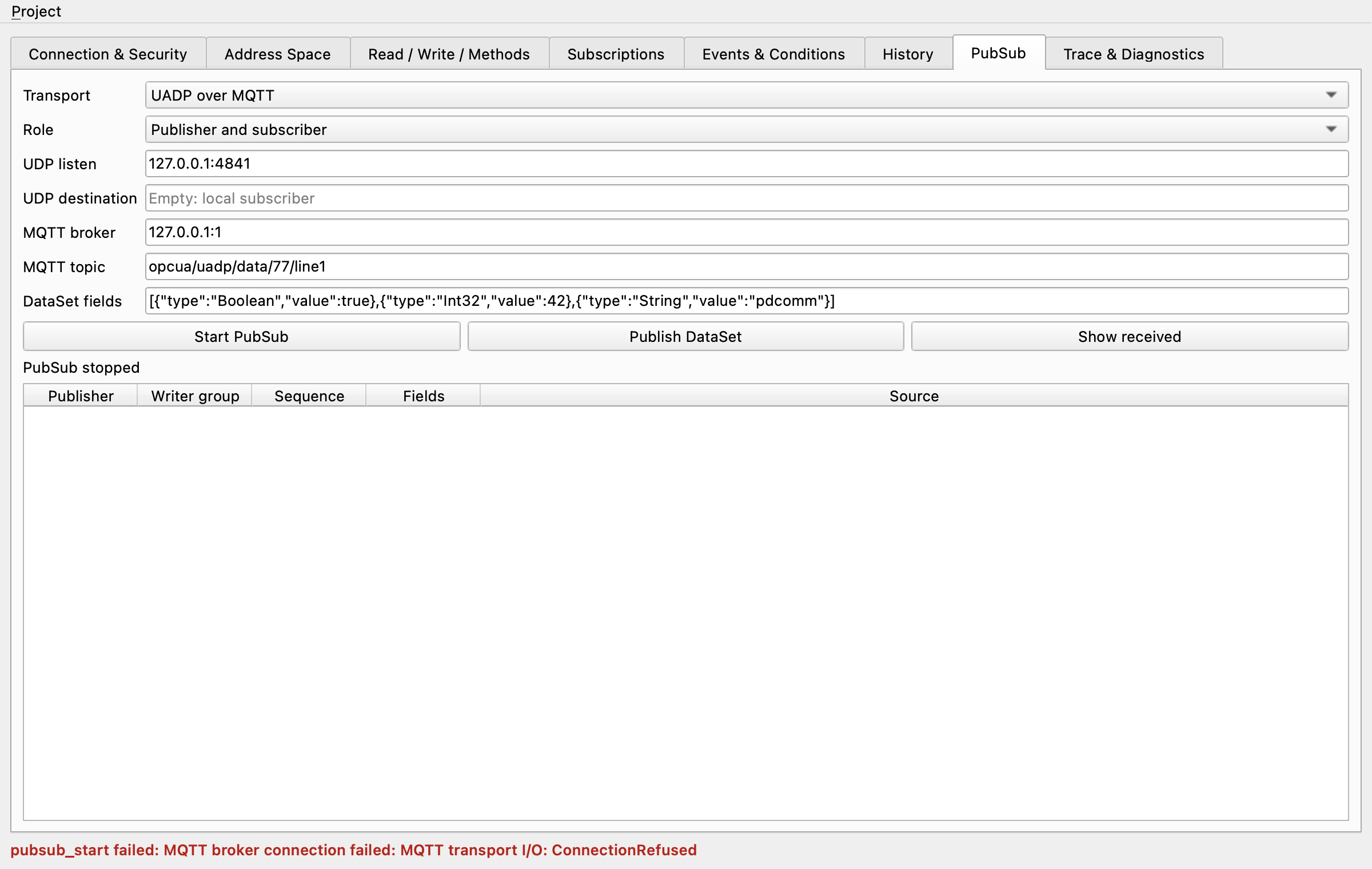
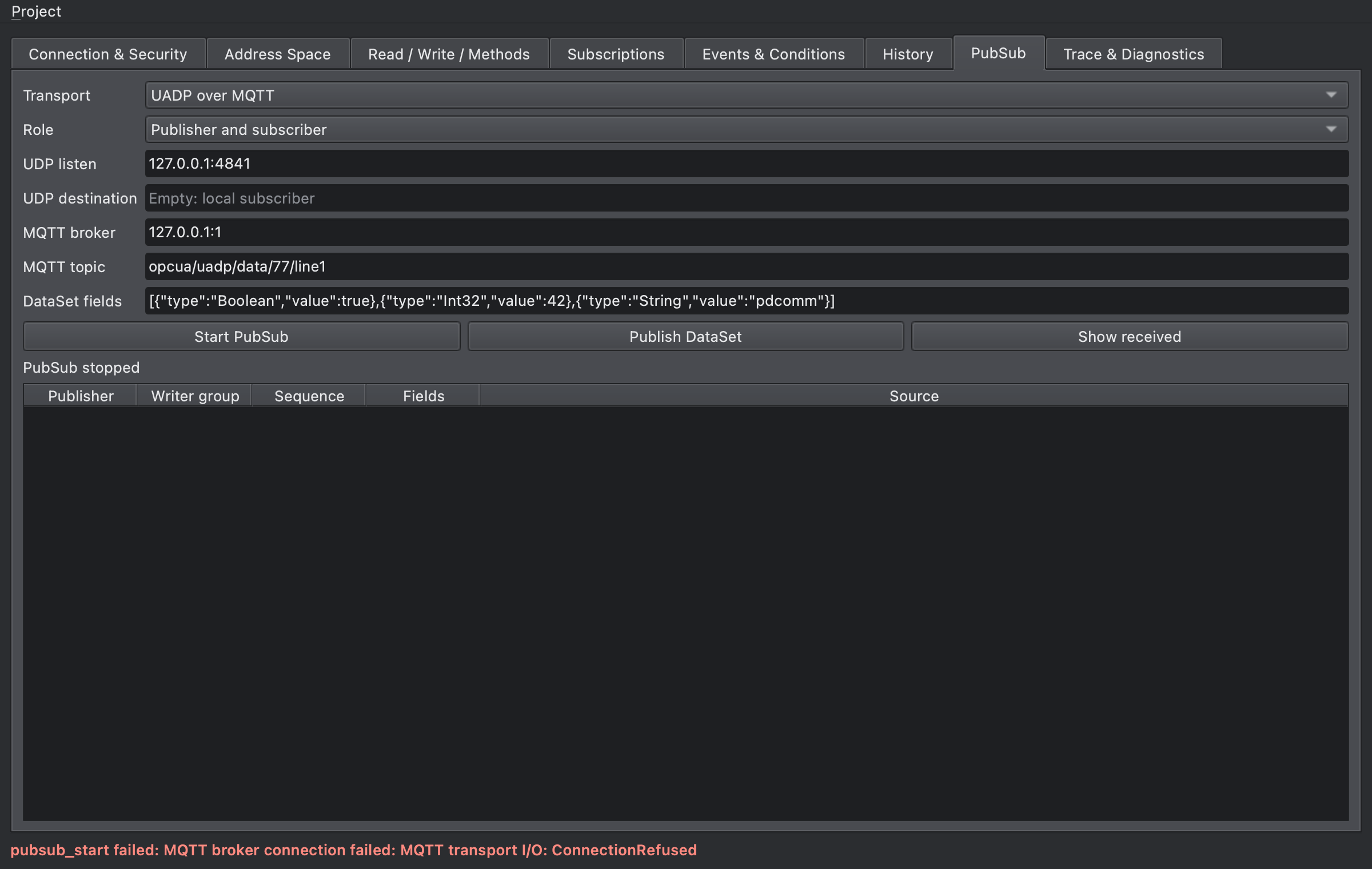
Errors when starting
Section titled “Errors when starting”Every message starts with MQTT broker connection failed: . The table lists the rest.
| Rest of the message | Stage | Cause | Fix |
|---|---|---|---|
MQTT transport I/O: ConnectionRefused |
TCP connect | Nothing listens on that address and port. | Check that the broker runs, that the port is right, and that the broker listens on that address (for example 127.0.0.1). |
MQTT transport I/O: TimedOut |
TCP connect | The TCP connection didn’t complete in time: the address is unreachable or a firewall drops packets. | Check the address, the route and firewalls. The time limit is Timeout (ms) (client.timeout_ms). |
MQTT transport I/O: ConnectionReset |
Waiting for CONNACK | The peer reset the connection at once, which is typical when you connect in plain text to a TLS-only port. | Connect to a plain MQTT listener. If you need TLS, use a TLS bridge. |
MQTT transport deadline: CONNACK |
Waiting for CONNACK | TCP connected, but no CONNACK arrived in time: the port isn’t an MQTT broker, or the broker is overloaded. | Check that the port belongs to an MQTT broker, and read the broker log. |
MQTT ConnAck rejected: <number> |
CONNACK | The broker refused the connection; the number is the reason code in decimal. | Look up the number in the next table. |
MQTT transport closed |
Waiting for CONNACK | The connection closed without a CONNACK. | Look for the reason in the broker log. |
A subscribing role (Subscriber, Publisher and subscriber) can also fail with:
| Error | Cause | Fix |
|---|---|---|
MQTT subscription was refused |
The SUBACK reason code is 0x80 or higher: a broker that checks permissions at subscribe time refused, or the topic filter is invalid. | Check the broker’s subscribe permissions and log. |
MQTT subscription acknowledgement timed out |
No SUBACK arrived in time. | Check the broker load and log. |
MQTT subscribe failed: …, MQTT: … |
A connection error occurred while sending SUBSCRIBE or waiting for SUBACK. | Look up the rest of the message on this page. |
CONNACK reason codes
Section titled “CONNACK reason codes”The error shows the reason code in decimal, like the 135 in MQTT ConnAck rejected: 135. These are the MQTT 5.0 CONNACK reason codes (§3.2.2.2):
| Decimal | Hex | Name | Common cause |
|---|---|---|---|
| 128 | 0x80 | Unspecified error | An internal broker error |
| 129 | 0x81 | Malformed Packet | The broker couldn’t parse CONNECT |
| 130 | 0x82 | Protocol Error | A protocol violation |
| 131 | 0x83 | Implementation specific error | Refused by broker policy |
| 132 | 0x84 | Unsupported Protocol Version | The broker doesn’t support MQTT 5.0, or has it turned off |
| 133 | 0x85 | Client Identifier not valid | The client identifier breaks the broker’s rules |
| 134 | 0x86 | Bad User Name or Password | Wrong user name or password |
| 135 | 0x87 | Not authorized | Anonymous clients aren’t allowed; in Mosquitto 2.x, a configured listener without allow_anonymous |
| 136 | 0x88 | Server unavailable | The broker can’t serve clients right now |
| 137 | 0x89 | Server busy | The broker is overloaded |
| 138 | 0x8A | Banned | An administrator banned the client |
| 140 | 0x8C | Bad authentication method | An unsupported enhanced authentication method |
| 144 | 0x90 | Topic Name invalid | The Will topic is invalid |
| 149 | 0x95 | Packet too large | CONNECT exceeds the broker’s limit |
| 151 | 0x97 | Quota exceeded | A connection or usage quota is exhausted |
| 153 | 0x99 | Payload format invalid | The Will payload format is invalid |
| 154 | 0x9A | Retain not supported | The broker doesn’t support a retained Will |
| 155 | 0x9B | QoS not supported | The broker doesn’t support the Will QoS |
| 156 | 0x9C | Use another server | The broker points to another server |
| 157 | 0x9D | Server moved | The broker has moved |
| 159 | 0x9F | Connection rate exceeded | Too many connection attempts |
When Mosquitto refuses with 135, its log shows:
Sending CONNACK to pdcomm-opcua-sim-93618-17 (0, 135)Client pdcomm-opcua-sim-93618-17 [127.0.0.1:65083] disconnected: not authorised.The simulator always connects with MQTT 5.0, so it never receives MQTT 3.1.1 return codes (1 to 5). Other 3.1.1 clients report 1 Unacceptable protocol version, 2 Identifier rejected, 3 Server unavailable, 4 Bad user name or password, and 5 Not authorized.
When the connection drops while running
Section titled “When the connection drops while running”When the connection fails while PubSub runs, the worker stops.
The status shows running as false, the GUI status line starts with Stopped ·, and error starts with MQTT: .
error |
Cause |
|---|---|
MQTT: MQTT transport closed |
The broker closed the connection, typically because it stopped or restarted, or an administrator disconnected the client. |
MQTT: MQTT response deadline exceeded |
No PINGRESP answered a PINGREQ: the broker hangs or the network is down. It appears after the keep alive plus the response wait. |
MQTT: MQTT transport I/O: ConnectionReset |
The peer or a device on the path reset the connection. |
The simulator doesn’t reconnect on its own.
Fix the cause, then start again with Start PubSub or pubsub_start; the simulator opens a new connection with a new session and the same settings.
Connection errors of other MQTT tools
Section titled “Connection errors of other MQTT tools”| Tool output | Cause |
|---|---|
Error: Bad file descriptor from mosquitto_pub or mosquitto_sub |
The client couldn’t reach a broker (the wording seen with Mosquitto 2.1.2 on macOS). |
Error: Address already in use from mosquitto |
Another program owns the listener port. |
Timed out from mosquitto_sub -W <seconds> |
No message arrived in time; this can be a delivery problem rather than a connection problem. |